7 Tools to Pick Your Next YouTube Video Before You Edit It
Seven tools to pick your next YouTube video before you edit it, from outlier research to free demand checks, with prices and a 30-minute workflow.
 AditiCo-Founder, OutlierKit (guest post)
The best tools to pick your next YouTube video are OutlierKit for finding videos that beat their own channel's normal views, vidIQ for keyword scores and AI ideas, and 1of10 for studying how winning videos are packaged. YouTube Studio's Research tab, Google Trends and Keyword Tool for YouTube fill the gaps for free or close to it.
Editing is where most creators spend their hours. But the hours only pay off if the topic was right before you pressed record. A clean cut of a video nobody wants to click still gets no views. This guide covers the step before the edit: how to choose a topic and an angle with evidence, so the time you spend in the timeline goes toward a video people already want.
Why the topic decides the views
YouTube shows every new video to a small test group first. If those viewers click and keep watching, YouTube shows it to more people. If they scroll past, the video stalls. The thumbnail and title decide the click, and the topic decides whether the title can promise something people want.
That is why the same creator, with the same camera and the same editing style, can get 300 views on one video and 30,000 on the next. Production stayed the same; only the topic changed. So the question to answer before you edit is simple: has this topic already pulled views for channels like mine?
The tools below answer that question in different ways. Some show proof from other channels. Some show search demand. Some show what your own viewers look for. Most creators need one proof tool and one or two free demand checks.
Quick comparison
| Tool | Best for | Free option | Paid from |
|---|---|---|---|
| OutlierKit | Finding videos that beat their own channel's typical views | 30-credit trial, no card; free Chrome extension | $49/mo |
| vidIQ | Keyword scores, AI ideas and competitor tracking | Free plan | $19/mo |
| 1of10 | Thumbnail and title research on outlier videos | Free plan, 60 credits a month | $19/mo |
| ViewStats | Browsing stats and thumbnails | Free account | $49.99/mo |
| YouTube Studio Research tab | What your own viewers search for | Free | Free |
| Google Trends | Checking timing and seasonality | Free | Free |
| Keyword Tool for YouTube | Autocomplete ideas for a seed keyword | Free suggestions | Paid plans for volume data |
1. OutlierKit: best for picking topics from videos that already broke out
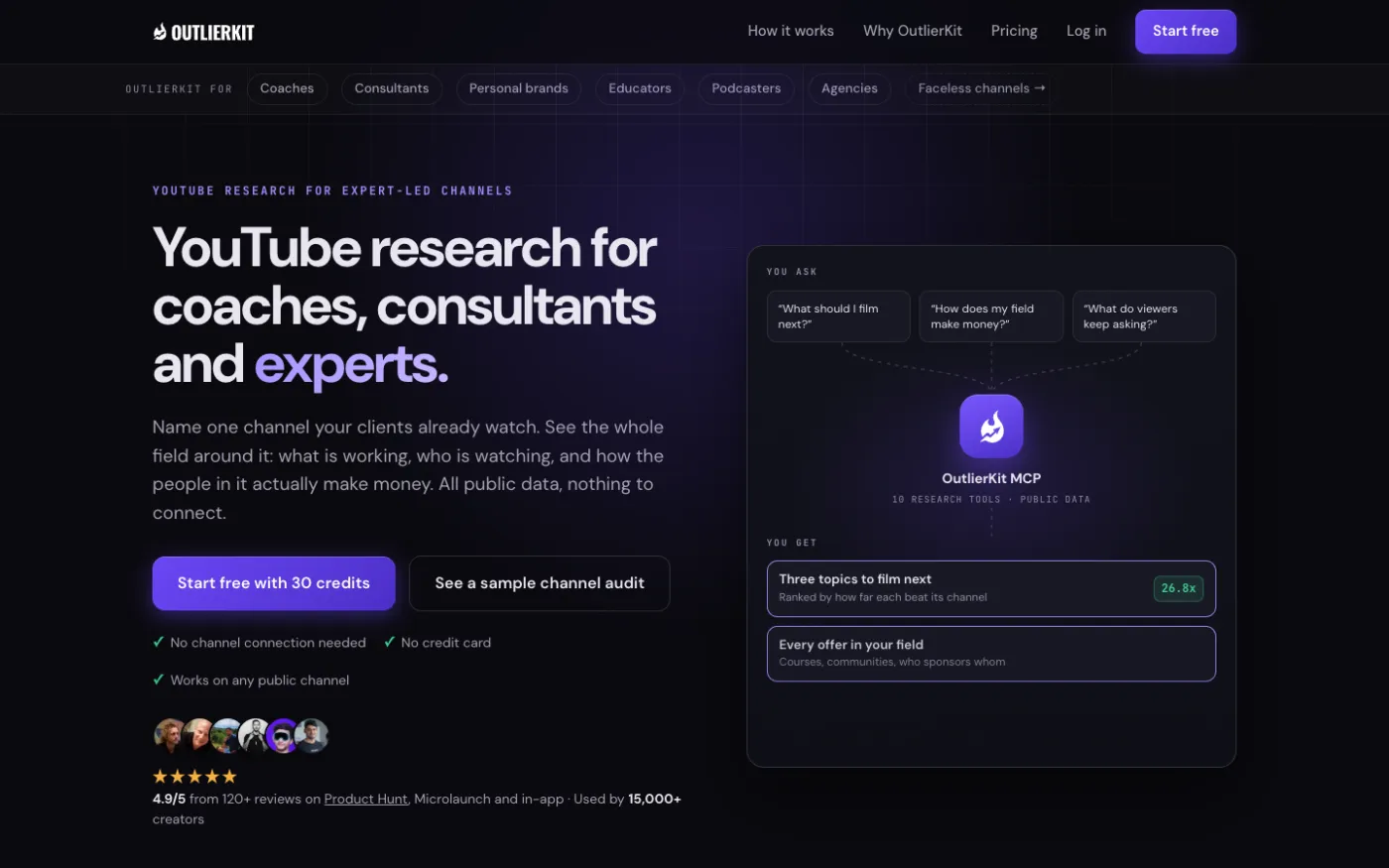
OutlierKit is YouTube research built for experts, consultants and coaches, and for the agencies that run their channels. Its core is the outlier score: it finds videos that beat their own channel's typical views. That matters because a breakout on a 5,000-subscriber channel is just as visible as one on a channel with 5 million. You see which topics pull views for creators your size, not only for the giants.
From there you can run keyword and niche research with search volumes, look at one competitor's channel, or map a whole set of competitors with Competitor Studio on the Pro and Max plans. Once you have a topic, the packaging and script tools help you get it ready: Title writes 16 titles ranked against real breakout videos, and Script review scores a script before you record it. If you work in Claude, the MCP connector at outlierkit.com/mcp lets Claude run the same research on Pro and Max.
- Best for: creators who want evidence that a topic works before they film it.
- Watch out for: it is a research tool. It does not design thumbnails or edit video, and it does not show retention data.
- Price: Hobby $49/mo, Pro $99/mo, Max $399/mo. Free trial with 30 credits, no card. Rated 5.0/5 from 13 Product Hunt reviews.
2. vidIQ: best for keyword scores and AI ideas in one suite
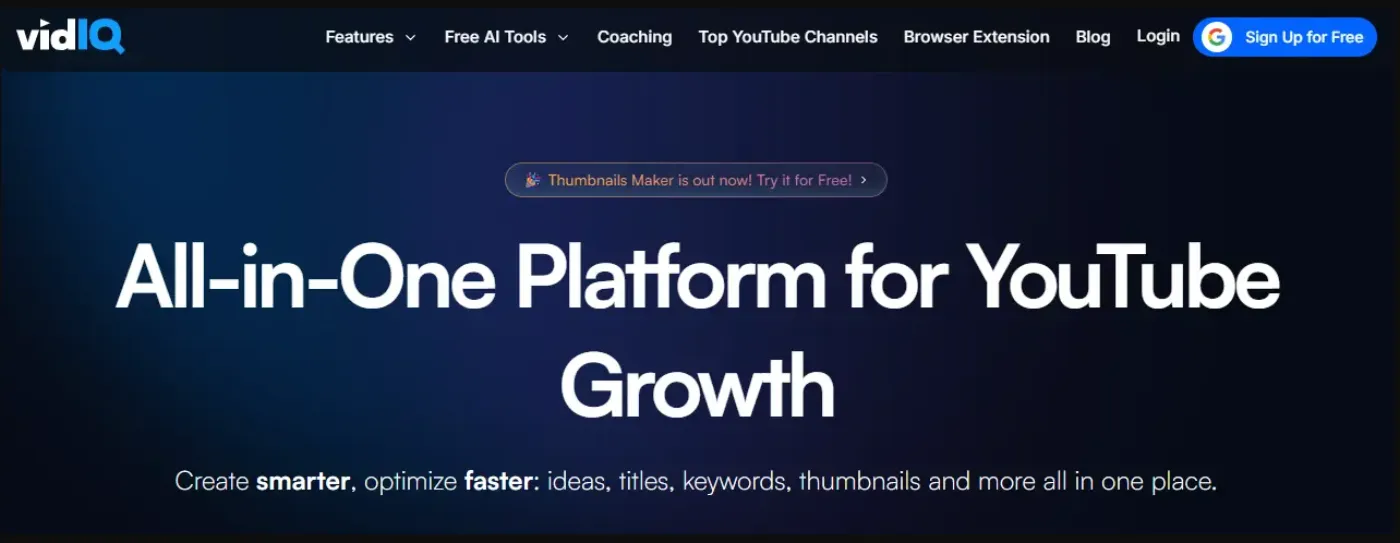
vidIQ is a broad creator suite. It gives keyword scores, tracks competitors, suggests AI video ideas and offers coaching, and its Chrome extension shows data right on YouTube. If you want one dashboard for search demand and daily idea prompts, it covers a lot of ground.
- Best for: creators who want keyword scores and idea prompts in one place.
- Watch out for: AI features share one monthly credit pool. There are no top-ups, and unused credits do not roll over.
- Price: free plan. Boost $19/mo or $199/yr; Max $49/mo or $468/yr. Rated 4.5/5 from 11.3K Chrome Web Store ratings.
3. 1of10: best for studying how winning videos are packaged
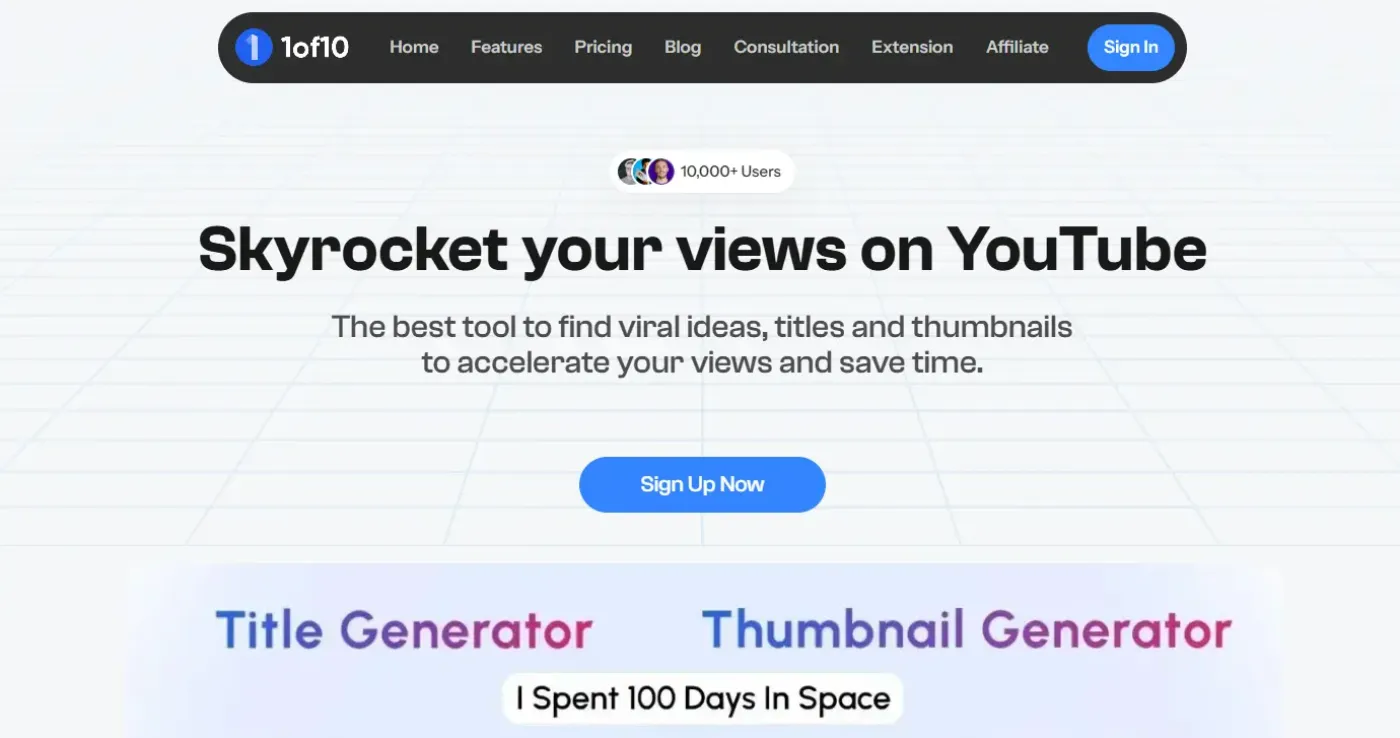
1of10 puts thumbnails and titles first. You browse outlier videos and study how they were packaged, then use its AI thumbnail and title tools to try your own versions. It works as a Chrome extension and a web app.
- Best for: creators whose topic is set but whose packaging needs work.
- Watch out for: the free plan caps research at 5 results, and the AI tools use credits.
- Price: free plan with 60 credits a month. Basic $19/mo or $180/yr; Pro $89/mo or $828/yr. 7-day money-back guarantee. Rated 4.1/5 from 30 Trustpilot reviews.
4. ViewStats: best for browsing stats and thumbnails
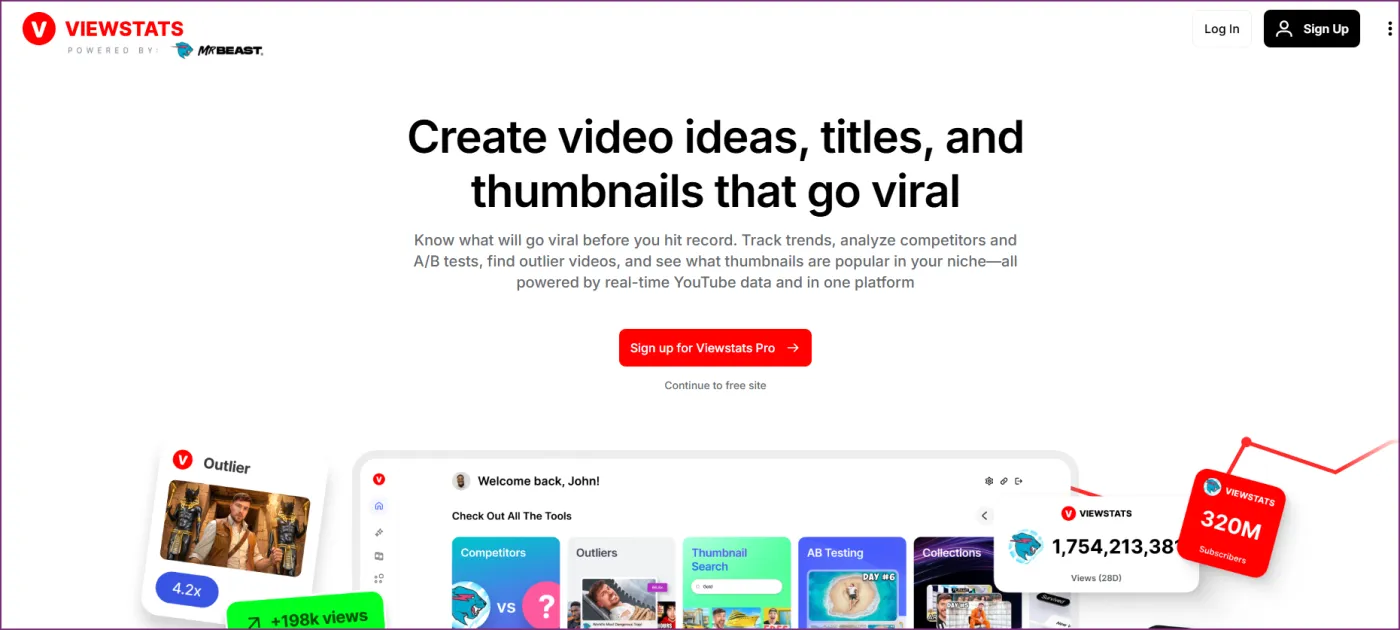
ViewStats comes from the MrBeast team. It is a stats and analytics site where you can browse outliers and thumbnails, with a Chrome extension for quick checks while you watch.
- Best for: creators who like to browse big-channel stats and thumbnail trends.
- Watch out for: there is a big price jump between plans. Pro is $49.99/mo and Business starts at $249/mo, with nothing in between.
- Price: free account. Pro $49.99/mo or $479.88/yr. Rated 4.4/5 from 238 Chrome Web Store ratings.
5. YouTube Studio Research tab: best free view of your own audience
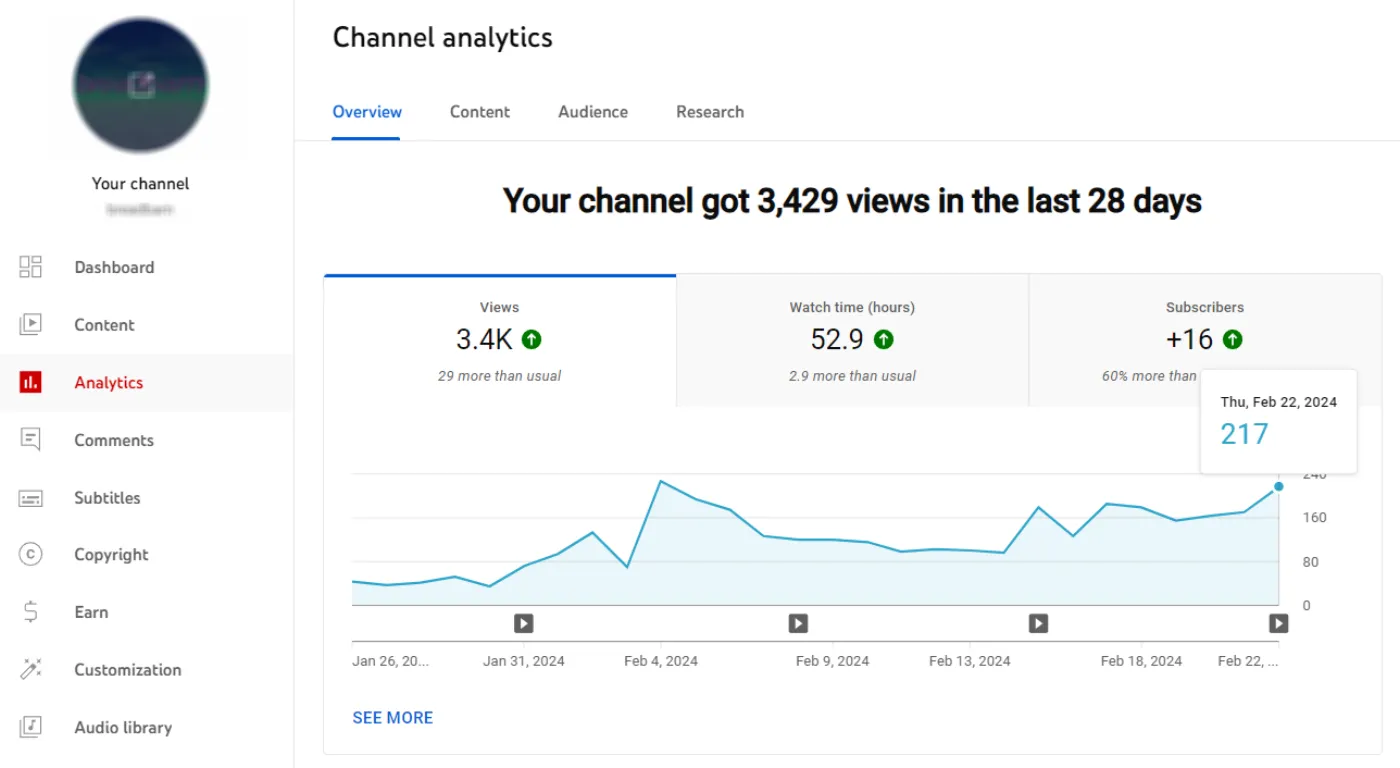
The Research tab inside YouTube Studio shows what your viewers search for and what all YouTube viewers search for. It also flags content gaps: searches where viewers look but find few good videos. It is the closest thing to a free list of questions your audience is already asking.
- Best for: every creator, as a free first check.
- Watch out for: it only covers your own channel. You get no competitor data.
- Price: free.
6. Google Trends: best for checking timing and seasonality
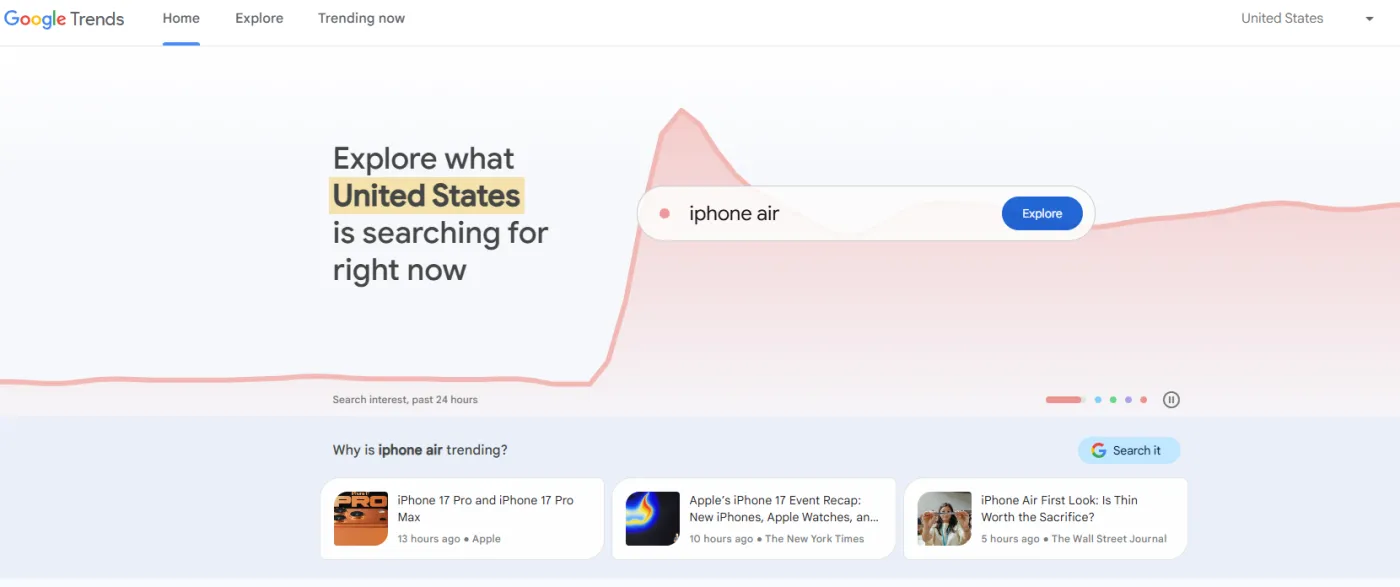
Set the search type to "YouTube Search" and Google Trends compares interest in topics over time and by region. Use it to check whether a topic is rising or fading, and to time seasonal videos so they go live before the peak.
- Best for: timing a topic you already like.
- Watch out for: it shows relative interest on a 0 to 100 scale, not real search volume.
- Price: free.
7. Keyword Tool for YouTube: best for autocomplete ideas
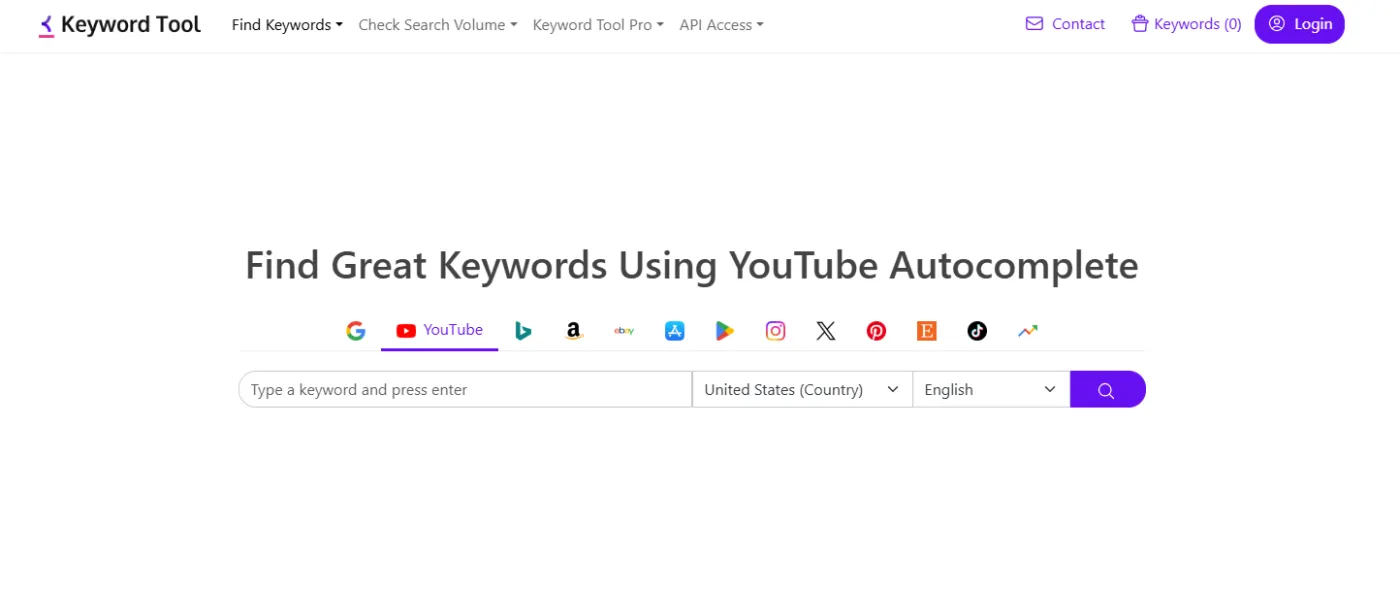
Keyword Tool pulls YouTube autocomplete suggestions for any seed keyword. Type "home workout" and you get the long list of phrases people actually type after it. It is a fast way to turn one topic into ten specific angles.
- Best for: expanding one topic into specific video angles.
- Watch out for: the free version shows suggestions only. Search volume and other metrics need a paid plan.
- Price: free suggestions; paid plans for volume data.
A 30-minute workflow to pick your next video
You do not need all seven tools. Here is a simple routine that uses one proof tool and two free checks. Say you run a home fitness channel.
- Start with proof (10 minutes). Search your niche in OutlierKit and sort by outlier score. Save five videos that beat their own channel's views by a wide margin, ideally from channels close to your size.
- Find the pattern (5 minutes). Look at the five titles side by side. Do they all compare two things, name a specific number, or promise to fix one problem? That shared trait is the angle to borrow.
- Check your audience (5 minutes). Open the Research tab in YouTube Studio. If your viewers already search for the topic, you have demand from people who know you.
- Check the timing (5 minutes). Look up the topic in Google Trends with "YouTube Search" selected. Rising or steady is good. A sharp drop means you may be late.
- Expand the angle (5 minutes). Run the topic through Keyword Tool for YouTube and pick the most specific phrase that still fits your pattern. That phrase becomes your working title.
At the end you have one topic backed by proof, demand and timing. Now the edit is worth your hours.
Common mistakes when picking a topic
- Copying the biggest channel. A 10-million-subscriber channel can get views on almost anything. A breakout on a channel your size is a far better signal.
- Trusting volume alone. High search volume often means heavy competition. Proof that a small channel won on the topic tells you more than a big number.
- Picking first, researching later. If you film first and then look for a title, you are fitting the packaging to the video. Pick the angle first and the title comes easily.
- Chasing a trend after the peak. Check Google Trends before you commit. A topic that peaked last week will not lift a video you publish next month.
- Skipping your own data. The Research tab is free and shows what your viewers want. Use it every time.
After you pick: from one take to a finished video
Once the topic is set, the job changes from deciding to producing. This is where an AI editor saves hours. Monty is an AI video agent that works on the take you filmed. It cuts pauses, filler and bad takes, syncs captions to speech, ducks music under your voice and adds b-roll that matches what you say. It can also build versions for Shorts, Reels, TikTok and Telegram, so one recording can feed several channels.
The research step and the editing step work best together. Research tells you what to film. An editor like Monty gets it out the door the same day. If you are filming yourself, our guide to editing talking head videos shows which passes an editor actually spends time on.
Filming from a script? Use the free online teleprompter: paste the text, scroll it on any phone, no sign-up.
FAQ
What is the best free tool to pick a YouTube video topic?
The Research tab in YouTube Studio is the best free starting point, because it shows what your own viewers search for. Pair it with Google Trends for timing. For proof from other channels, OutlierKit has a 30-credit free trial with no card.
What is an outlier video?
An outlier video is one that gets far more views than its channel normally gets. A video with 50,000 views on a channel that usually gets 2,000 is an outlier. It shows that the topic or packaging pulled in viewers who did not already follow the channel.
Should I pick topics by search volume or by outlier performance?
Use both, in that order of trust: outlier performance first, volume second. Volume shows demand, but it does not show whether a channel like yours can win. An outlier on a similar channel proves both demand and a winning angle.
How many tools do I really need?
Most creators need one proof tool and two free checks. OutlierKit, the YouTube Studio Research tab and Google Trends cover proof, audience demand and timing.
Hey Monty. Make me a reel.
Try Monty freeKeep reading
invideo AI alternatives: prompt-to-video or your own face
invideo starts at $9 a seat; a second of Seedance 2.0 Fast video costs about 6 credits. What it does well, when footage-first wins, alternatives by job.
Submagic Alternatives in 2026: 8 Tools Compared
Eight Submagic alternatives compared on captions, auto cut, b-roll, free tier and price, with figures from each tool's own pricing page in October 2026.
Kapwing alternative: who outgrows it and what to pick
Kapwing Pro starts at $16 a month. Who outgrows this browser editor, how it compares with Descript, OpusClip and Monty, and which tool fits which job.
More in this category
- OpusClip alternatives for your own short takes: 7 tools checked
- Post one video to TikTok, Reels, Shorts and Telegram at once: 7 tools checked
- Monty vs Descript: editing by text vs shipping without editing
- Monty vs Klap: paying per clip vs shipping finished reels
- VEED alternative: when the editor is not the part that costs you time
- Repurpose.io alternatives in 2026: 6 tools, free options included